Complete collection of prompts for children's knowledge and cognitive flashcards, and the full application version.
This post offers a set of knowledge and cognitive card prompts for children, extendable to dimensions such as letters, numbers, colors, shapes, etc., suitable for daily check-ins, and packaged for immediate use.
Full prompt text for this case is member-only.
Prompt
Preview 30%🎨 "Daily Character Learning for Kids" Simplified Version v7.0 (Removed technical parameters)
Create a modern Apple Design-inspired "Daily Character Learning for Kids" calendar page for {month} month {day} day, {year}. Ultra-minimalist, clean, playful, and child-friendly layout in 4K quality.
**TODAY'S CHARACTER: "{character}"**
Category: {theme_category}
═══════════════════════════════════════════════════════
PART 1: LAYOUT STRUCTURE
═══════════════════════════════════════════════════════
**Header Area (Top-Left):**
- Main date: "{month} {day}" - Large and prominent
- Weekday: "{weekday}" - Small, below date
- **ARTISTIC YEAR DISPLAY:** "— {year_display} —"
* Elegant serif OR artistic sans-serif font
* Soft warm gray color
* Centered below weekday
* Integrated into header typography hierarchy
* Like art print edition number
**Calendar Widget (Top-Right Corner):**
**Position & Styling:**
- Location: Top-right corner
- Proper margins from edges
- Subtle rounded rectangle background with soft shadow
- Clean, modern appearance
**Calendar Header:**
- Text: "{year} {month} "
- Centered above grid
- Clean sans-serif, medium weight
**Weekday Labels:**
- Mon Tue Wed Thu Fri Sat Sun
- Sans-serif, regular weight
- Medium gray color
- Evenly spaced across 7 columns
**═══════════════════════════════════════════════════════**
**2026 COMPLETE CALENDAR DATA**
**═══════════════════════════════════════════════════════**
```yaml
2026 Calendar Data:
January: 31 days, 1st on Thursday
Grid: [empty][empty][empty][1][2][3][4] / [5][6][7]...
February: 28 days, 1st on Sunday
Grid: [empty][empty][empty][empty][empty][empty][1] / [2][3][4]...
March: 31 days, 1st on Sunday
Grid: [empty][empty][empty][empty][empty][empty][1] / [2][3][4]...
April: 30 days, 1st on Wednesday
Grid: [empty][empty][1][2][3][4][5] / [6][7][8]...
May: 31 days, 1st on Friday
Grid: [empty][empty][empty][empty][1][2][3] / [4][5][6]...
June: 30 days, 1st on Monday
Grid: [1][2][3][4][5][6][7] / [8][9][10]...
July: 31 days, 1st on Wednesday
Grid: [empty][empty][1][2][3][4][5] / [6][7][8]...
August: 31 days, 1st on Saturday
Grid: [empty][empty][empty][empty][empty][1][2] / [3][4][5]...
September: 30 days, 1st on Tuesday
Grid: [empty][1][2][3][4][5][6] / [7][8][9]...
October: 31 days, 1st on Thursday
Grid: [empty][empty][empty][1][2][3][4] / [5][6][7]...
November: 30 days, 1st on Sunday
Grid: [empty][empty][empty][empty][empty][empty][1] / [2][3][4]...
December: 31 days, 1st on Tuesday
Grid: [empty][1][2][3][4][5][6] / [7][8][9]...
```
**GRID CONSTRUCTION (Follow exactly):**
1. Look up {month} data from above
2. First row: Weekday labels (Mon Tue Wed Thu Fri Sat Sun)
3. Second row: Place empty cells according to starting pattern, then fill with dates
4. Following rows: Continue sequentially until reaching total days
5. Highlight date {day} with soft colored background
**Highlight Styling:**
- Visual: Soft rounded circle OR rounded rectangle
- Background: Theme color at moderate opacity
- Text: Bold weight, darker color
- Optional: Subtle outer glow
- Make it clearly visible but not harsh
**Calendar Typography:**
- Clean sans-serif font
- Small, readable size
- Current date: Bold weight with highlight
- Other dates: Regular weight, medium gray
- Proper spacing between cells
═══════════════════════════════════════════════════════
PART 2: CHARACTER WRITING STANDARDS
═══════════════════════════════════════════════════════
**CRITICAL - Triple Verification Required:**
✓ **Character:** "{character}" - Standard Kaishu (traditional regular script) style
* Clear, beautiful, child-friendly rendering
* Standard simplified form
* Proper proportions and balance
✓ **Stroke Count Verification (MANDATORY):**
* Xinhua Dictionary: {stroke_count} strokes
* GB/T 13000 national standard: {stroke_count} strokes
* Component breakdown: {component_breakdown}
* **CONFIRMED: {character} = {stroke_count} strokes**
* **CRITICAL: Do NOT display stroke order numbers on character**
✓ **Radical:** "{radical}"
* Position: {radical_position} (left/right/top/bottom/outer)
* Meaning/function: {radical_meaning}
✓ **Structure:** "{structure_type}"
* Types: left-right / top-bottom / left-middle-right / top-middle-bottom / semi-enclosed / fully enclosed / standalone
* Component breakdown: {structure_components}
**Character Display (Center Focus):**
- Huge "{character}" character - Approximately 40% of canvas height
- **NO stroke order numbers overlaid** - Keep character clean and beautiful
- Soft {theme_color} glow effect around character
- Below: 3×3 Tian Zi Ge practice grid
* Light gray guide
...Only the first 30% is visible. Upgrade to view the full prompt, English prompt, and copy actions.
Showing 4809/16030 chars. 11221 chars are hidden.
Related
Related Cases
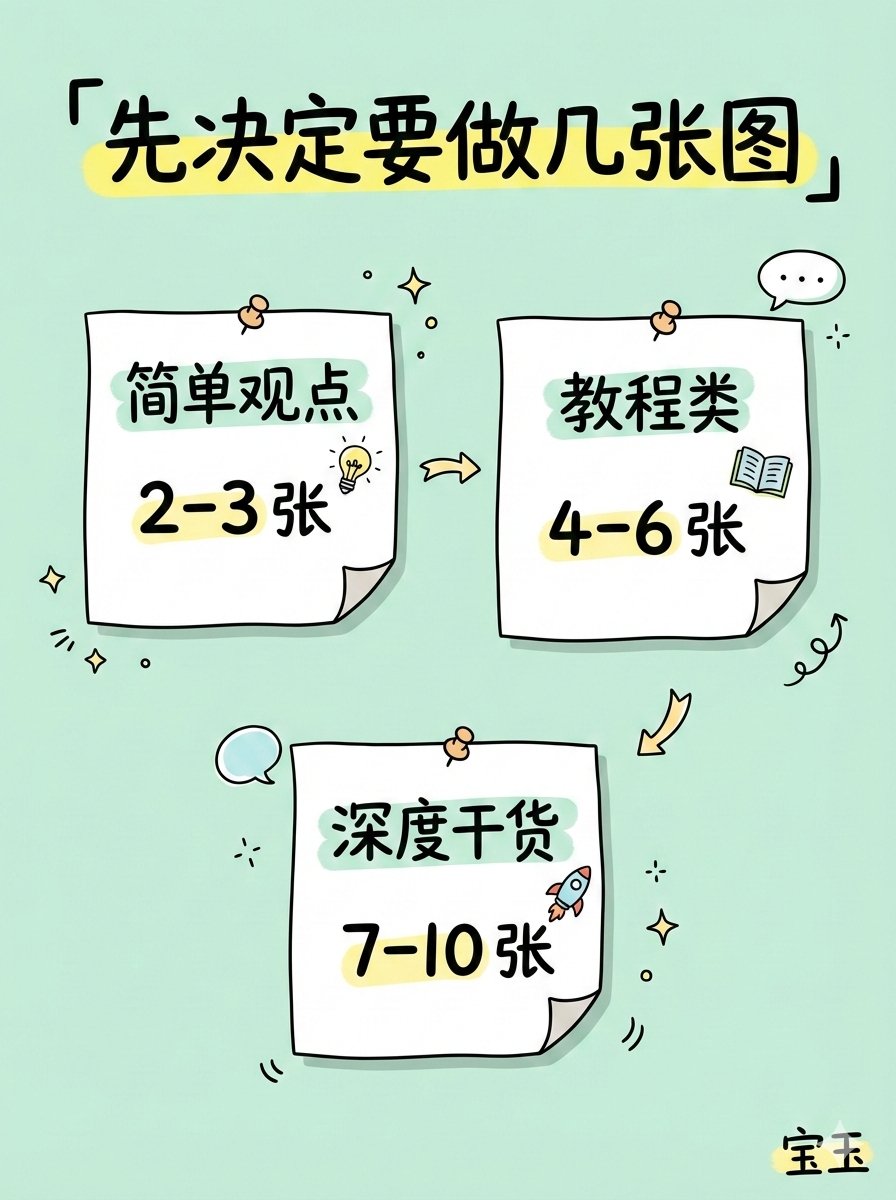
Practical templates for turning complex content into a series of cartoon infographics.
Break the input content into 1–10 vertical infographic slides, covering three stages: cover, content, and conclusion. Emphasize hand-drawn typography, a cartoon style, and a soft color palette. Provide separate generation prompts for each slide to facilitate efficient implementation.

双曝光照片网格致敬海报教程
用GPT图像生成高端体育致敬海报:黑白肖像剪影+照片马赛克纹理与微缩排版。
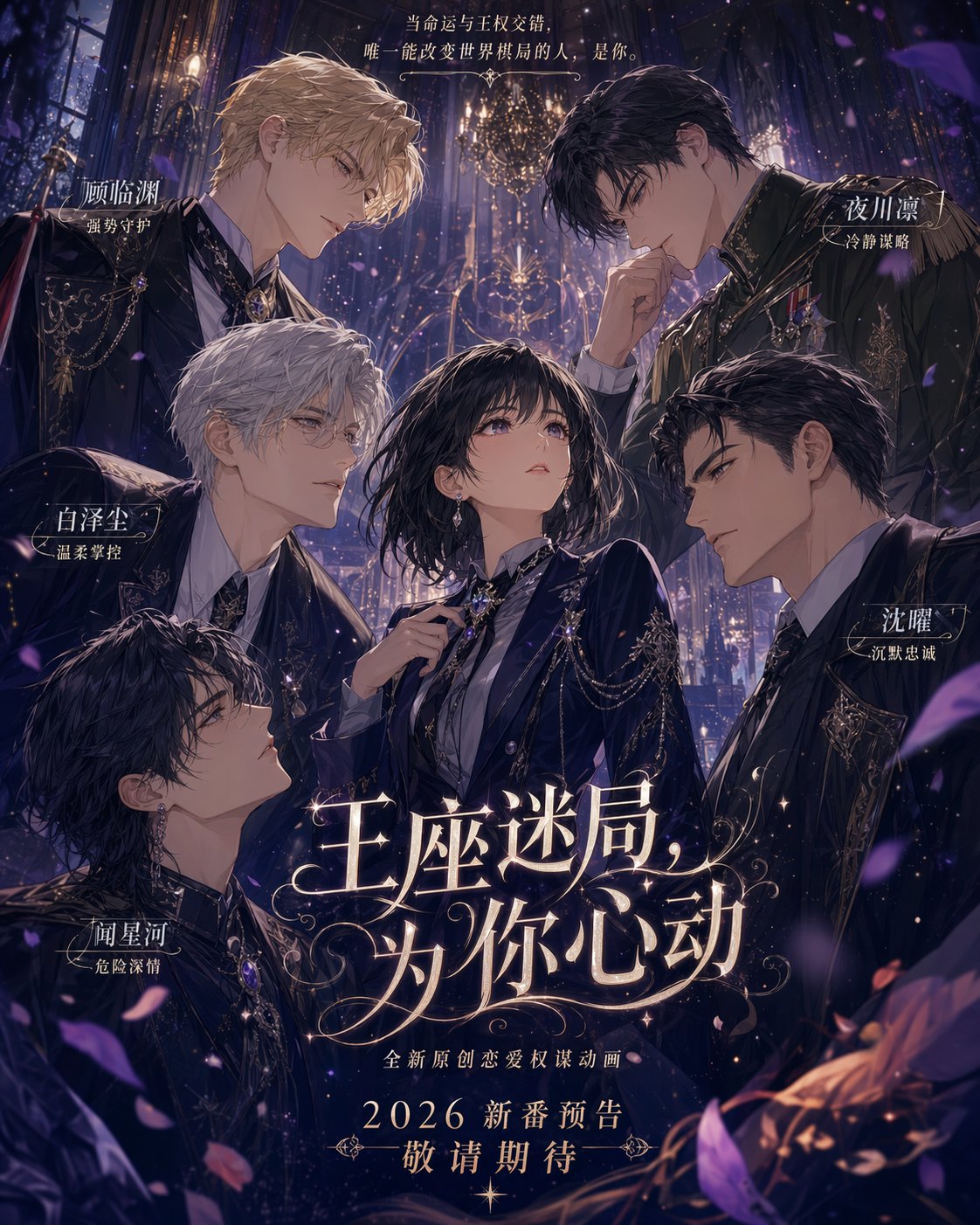
乙女恋爱KV海报:多男环绕女主
打造日系二维高精乙女恋爱Key视觉海报,女主居中,多位男性从四周营造暧昧张力。

用ChatGPT-Image-2.0做东方概念原画
基于ChatGPT-Image-2.0生成东方幻想游戏人物CG概念原画。并提供聚焦乐器姿态与电影级质感的提示词模板。
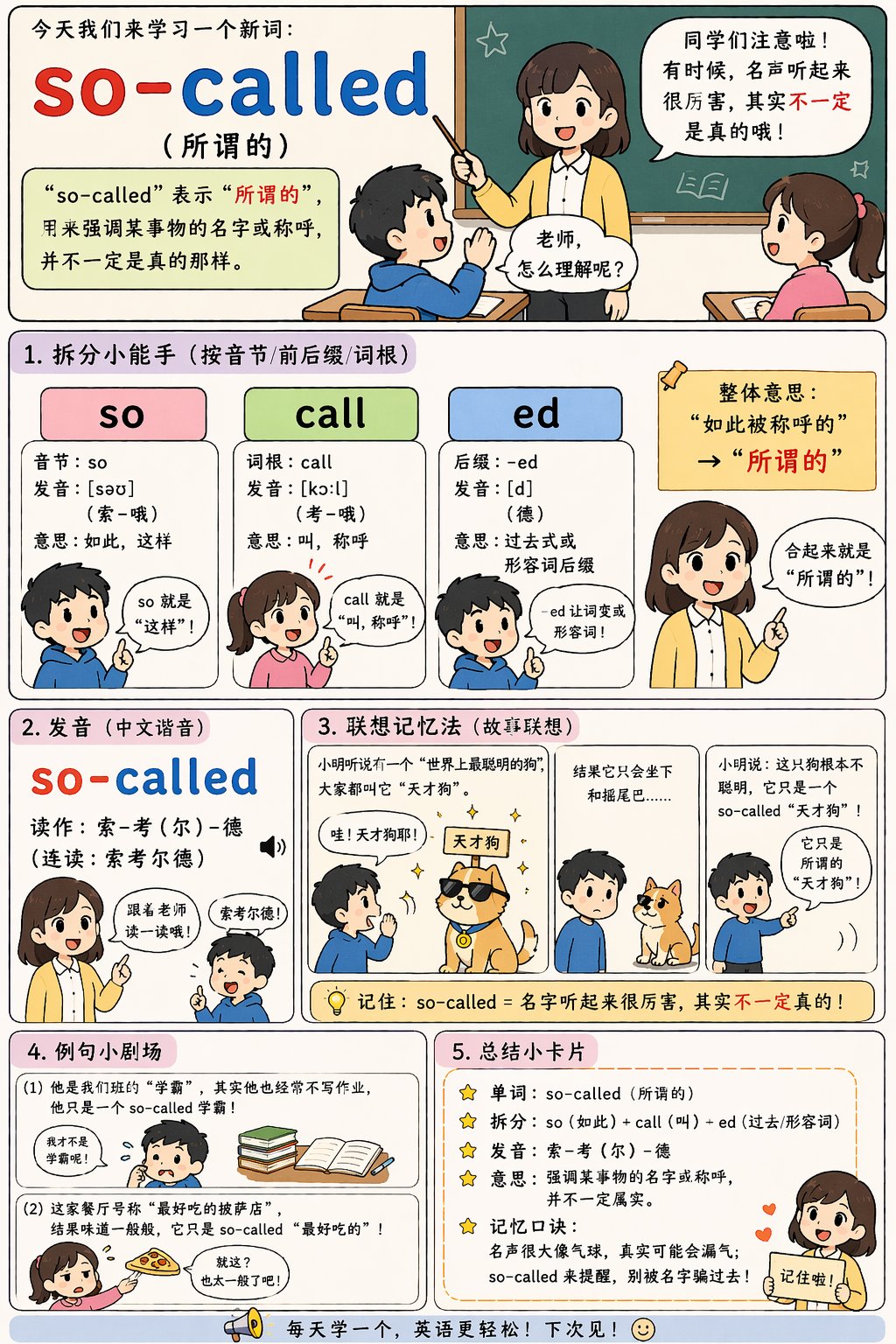
卡通拆解“所谓”发音记忆法
用可爱猫咪卡通与手绘竖版信息卡,拆分“所谓”音节与含义,便于五年级记忆。

蓝色偶像服装提示词发布
发布Amelia设计的“Idol Costume”提示词,附转发规则与穿搭结构细节。